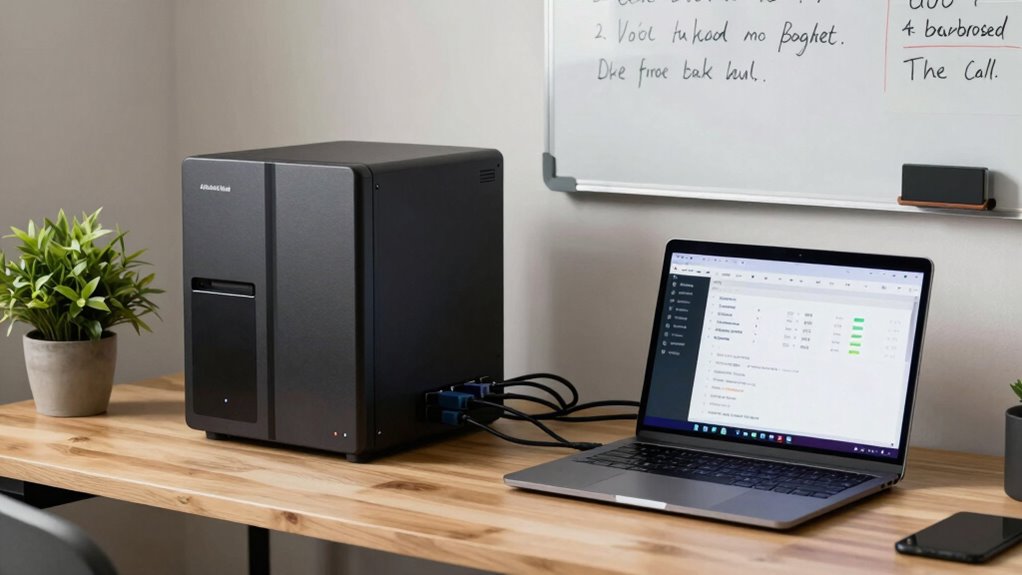
A home server in a small office helps you securely store and organize files, making collaboration easy with remote access and real-time updates. It can integrate with cloud services like Google Drive or Dropbox, reducing reliance on third-party providers. Plus, you gain control over data security, backups, and customization to fit your needs. Proper setup guarantees your system runs efficiently and stays protected from threats. Keep exploring to discover how to optimize your office server setup even further.
Key Takeaways
- Centralize storage and sharing of files for improved collaboration and version control.
- Enhance data security with encryption, access controls, and regular backups.
- Reduce reliance on third-party cloud services, lowering costs and increasing privacy.
- Support remote access and real-time collaboration for flexible work arrangements.
- Optimize office workflows by integrating tools like email servers and project management applications.
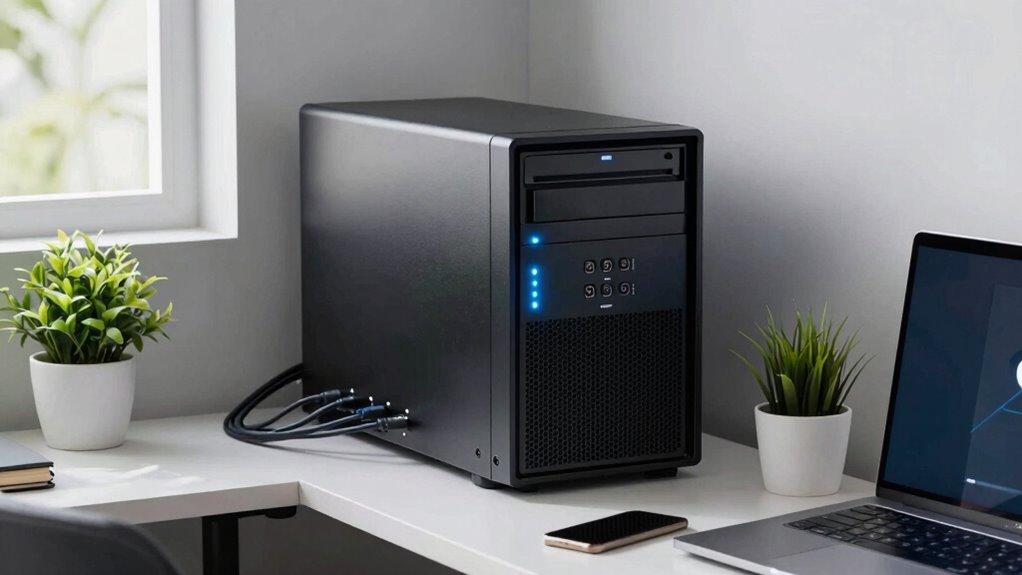
Setting up a home server can be a game-changer for small offices looking to improve their data management and collaboration. Instead of relying solely on third-party cloud services, a home server gives you a local hub to store, organize, and access your files securely. One of the biggest advantages is seamless cloud integration, allowing you to sync important documents with cloud platforms like Google Drive or Dropbox, while still maintaining control over your data. This setup means you can access files remotely, collaborate in real-time, and guarantee your team stays productive without depending entirely on external services. Plus, with a home server, you can customize your storage and backup options, which often results in better cost efficiency and tailored solutions that meet your specific needs.
A home server enhances data security, enables seamless cloud sync, and boosts team collaboration for small offices.
Data security is another critical benefit you’ll enjoy with a home server. Relying on cloud services often involves trusting third-party providers with sensitive information, but by hosting your own server, you have full control over your data security protocols. You can implement strict access controls, encrypt files, and monitor who accesses what, reducing the risk of breaches or unauthorized access. This local control can markedly increase your confidence in data privacy, especially if you handle confidential client information or proprietary business data. Furthermore, a home server allows you to create regular backups automatically, so even if hardware failures or cyberattacks occur, your essential data remains safe and recoverable. Understanding how to properly configure data security measures is essential to maximize these benefits.
Additionally, understanding the importance of contrast ratio in projectors can help you optimize your home office or presentation space, making it easier to collaborate visually and share information effectively. Incorporating proper server configuration practices is also vital to ensure your system runs efficiently and securely, preventing potential vulnerabilities or performance issues. Taking the time to learn about network setup ensures your server is accessible yet protected from external threats.
Beyond security and cloud integration, a home server simplifies collaboration within your team. Instead of emailing files back and forth, everyone can work directly on shared folders with real-time updates. This improves workflow efficiency and reduces the chance of version confusion. Additionally, a home server can run various applications like project management tools, email servers, or media hosting, centralizing your office’s digital activities. Setting up remote access is straightforward, so your team can work from anywhere, increasing flexibility and productivity.
In essence, a home server offers small offices the ability to manage data securely, integrate seamlessly with cloud services, and foster smooth collaboration. It’s an investment in control, efficiency, and peace of mind, helping your team stay organized and protected without the complexities of larger enterprise solutions. With the right setup, you’ll find your office operates more smoothly, your data remains secure, and your team can collaborate effortlessly, no matter where they are.
home server for small office
As an affiliate, we earn on qualifying purchases.
As an affiliate, we earn on qualifying purchases.
Frequently Asked Questions
How Secure Are Home Servers Against Cyber Threats?
Home servers can be fairly secure if you take proper precautions. They often use encryption for cloud storage, protecting your data from cyber threats. Additionally, hardware customization allows you to upgrade security features like firewalls and antivirus programs. However, you need to stay vigilant by regularly updating software and managing access controls. With these steps, your home server can be a reliable, secure hub for your small office’s data needs.
Can a Home Server Handle High Traffic Loads?
A home server can handle high traffic loads, but you need to take into account bandwidth limitations and hardware scalability. If your network has sufficient bandwidth and your hardware can expand with added storage or processing power, it’s more likely to manage increased traffic smoothly. However, without upgrades, it might struggle during peak times. Regularly assess your server’s capacity, optimize your network, and plan for scalability to keep up with growing demands.
What Are the Maintenance Costs for Small Office Servers?
Maintenance costs for small office servers vary depending on the server hardware and network configuration you choose. You’ll need to budget for hardware upgrades, regular software updates, and potential repairs. Also, consider costs for security, backups, and network management tools. While initial setup might be affordable, ongoing expenses can add up, especially if you opt for complex server hardware or intricate network configurations that require professional support or advanced management.
How Easy Is It to Upgrade a Home Server?
Upgrading your home server is pretty straightforward, like tuning a vintage radio. You’ll find hardware compatibility easy to navigate, especially with modern models designed for simple upgrades. Plus, you get great customization options, allowing you to swap out drives or RAM without much hassle. Just make sure your components are compatible, and you’ll stay ahead of the game, making upgrades smooth and efficient for your small office needs.
Are There Energy Efficiency Benefits to Using a Home Server?
Yes, using a home server offers energy efficiency benefits. You can achieve energy savings by choosing models with low power consumption, which reduces your overall electricity use. Home servers are designed to run continuously while consuming minimal power, making them cost-effective and eco-friendly. By optimizing settings and selecting energy-efficient hardware, you can further lower power consumption, ultimately saving money and reducing your environmental impact.
Conclusion
In a small office, choosing the right home server can make all the difference. It’s your secret weapon to streamline operations, improve collaboration, and keep data secure—all without breaking the bank. Think of it as the backbone of your business’s digital backbone. When you find the right fit, you’ll see that it’s worth its weight in gold. So, don’t put all your eggs in one basket—invest wisely, and watch your office thrive.