
TL;DR

Get privacy and security gear delivered free — and shop member deals
- Fast, free delivery on millions of items
- Access to Prime Big Deal Days deals on October 6–7
- Prime Video, Amazon Music and more included
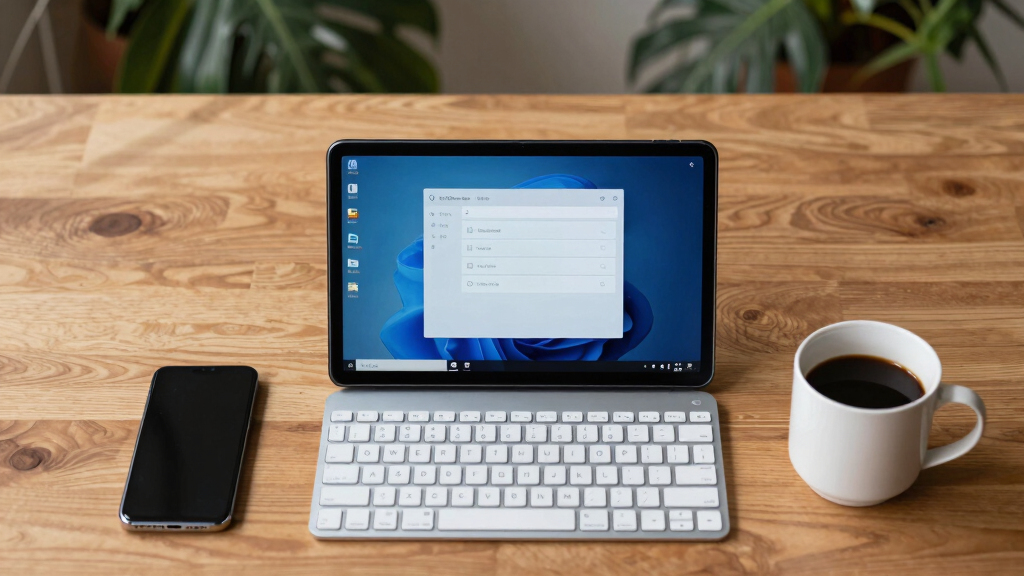
An individual has demonstrated how to convert an $80 Android tablet powered by the RK3562 chip into a fully functional Debian Linux workstation. The process involves booting Debian from an SD card, leaving the internal storage untouched. This showcases the potential for affordable, open-source hardware projects.
A user has successfully installed and booted Debian 12 on an $80 Android tablet powered by the Rockchip RK3562 SoC, demonstrating that affordable hardware can run full Linux distributions without hardware modifications.
The project involved using a pre-release Debian 12 image designed for the Doogee U10 tablet, which is based on the RK3562 chip. The user booted Debian from an SD card, allowing the device to run Linux without altering the internal Android system. The process did not require unlocking the bootloader or flashing internal storage, making it reversible and non-destructive. The Debian image supports full touchscreen operation, Wi-Fi, Bluetooth, audio, and basic camera functions, with partial support for 3D acceleration and camera calibration still in progress. The setup leverages open-source tools and community-developed repositories, emphasizing the potential for low-cost hardware to serve as portable Linux workstations.
Why It Matters
This development highlights the increasing viability of inexpensive, open hardware for Linux enthusiasts and developers, potentially expanding access to portable Linux environments. It demonstrates that even low-cost tablets can be repurposed into full Linux workstations, which could impact education, development, and hobbyist communities seeking affordable alternatives to traditional laptops or desktops.
Android tablet to Linux boot SD card
As an affiliate, we earn on qualifying purchases.
As an affiliate, we earn on qualifying purchases.
Background
The RK3562 chip is a common SoC in budget Android tablets, typically used for media consumption and basic tasks. Prior efforts have focused on rooting or custom ROMs for Android, but installing Linux has been limited due to hardware and software barriers. This project builds on recent open-source initiatives and community efforts to support Linux on Rockchip hardware, showcasing a practical example of repurposing such devices for more advanced use cases.
“Booting Debian from SD card on this device is straightforward and reversible, opening new possibilities for affordable Linux hardware.”
— the project creator
“Using open-source tools and community repositories, we can unlock the full potential of low-cost hardware for portable Linux workstations.”
— a Linux developer involved in the project
What Remains Unclear
Details about long-term stability, performance under sustained workloads, and full hardware support (such as camera calibration and 3D acceleration) remain uncertain. It is also unclear how widely applicable this method is to other devices or future RK3562 models.
What’s Next
Further testing will determine the stability and usability of the setup over extended periods. Developers may work on improving hardware support, especially for camera and GPU acceleration. A broader community effort could adapt this approach to other budget devices, and official support or documentation may emerge as the project matures.
Key Questions
Can I install Debian on any RK3562 tablet?
While this example uses a specific device, the process may work on similar RK3562 tablets with compatible hardware. Compatibility depends on hardware support and community development efforts.
Does installing Debian void the device’s warranty?
Booting Debian from an SD card does not modify internal storage, so it typically does not void the warranty. However, modifying internal firmware or flashing may carry risks.
Will all hardware features work under Debian?
Most features like touchscreen, Wi-Fi, and audio are supported, but some, such as cameras and 3D acceleration, may have limited or partial support pending further development.
Is this process reversible?
Yes, booting Debian from an SD card allows easy removal of the card to revert to stock Android, making it a non-permanent modification.
What are the performance implications?
The device can run a full Linux environment, but performance may vary depending on workload and hardware support, especially for graphics and camera tasks.
Halloween Picks
halloween
As an affiliate, we earn on qualifying purchases.