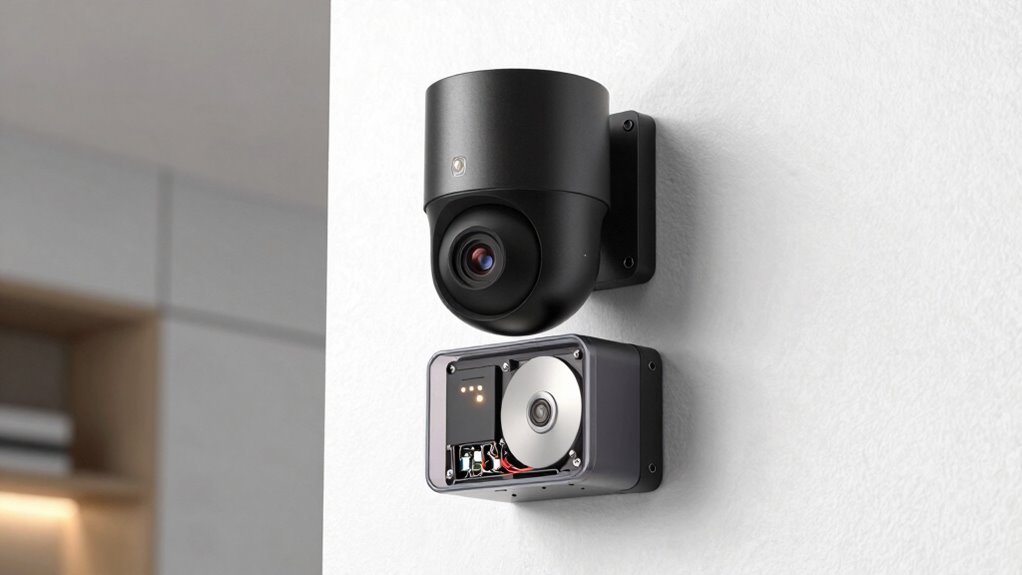

Subscription-free security cameras store footage mainly through local recording methods like microSD cards, NVRs, or external drives, giving you direct control and privacy. Some models also offer free cloud options with limited storage or duration. You can set cameras to record continuously or only when motion is detected. Many systems let you expand storage easily as your needs grow. Want to see how to choose the right setup? Keep exploring for detailed insights.

Get privacy and security gear delivered free with Prime
- Fast, free delivery on millions of items
- Prime Video, Amazon Music and more included
- Member-only deals all year
Key Takeaways
- They store footage locally on devices like microSD cards, NVRs, or external hard drives, eliminating ongoing subscription fees.
- Cloud storage options are available, offering remote access but often with limited free capacity and optional paid upgrades.
- Many systems support continuous or motion-triggered recording directly to local storage for privacy and cost savings.
- Hybrid setups combine local recordings with optional cloud backups for added security and flexibility.
- Proper setup of expandable storage ensures reliable footage storage without recurring subscription costs.
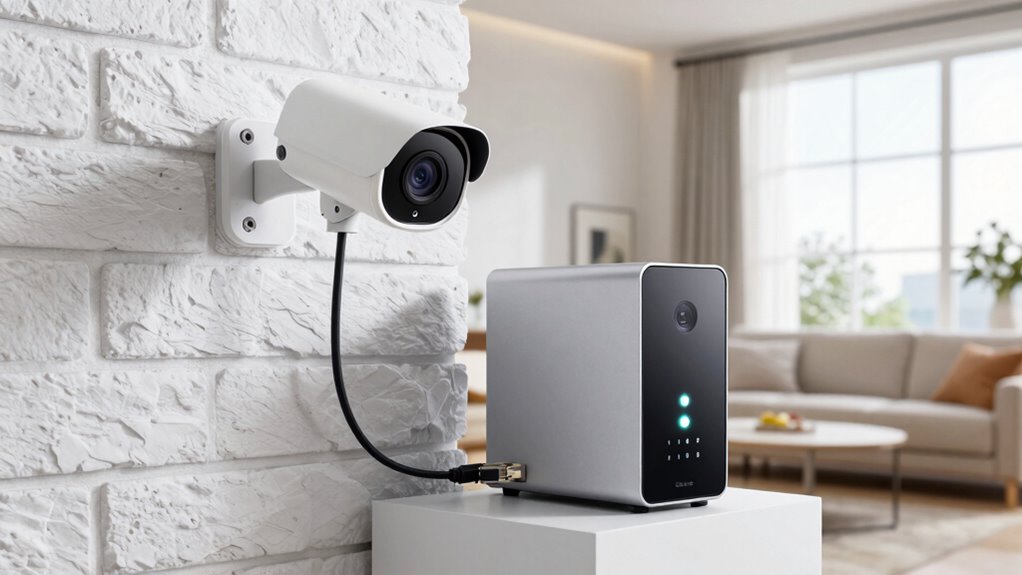
Are subscription fees for security camera systems really necessary? Not necessarily. Many newer, subscription-free systems give you the options you need to store footage without ongoing costs. These systems typically rely on two main methods: cloud storage and local recording, each offering distinct advantages. Cloud storage allows you to save footage online, giving you access from anywhere with an internet connection. However, in subscription-free models, you might find limited or no cloud storage options, or only a small amount of free space. When cloud storage is available without a subscription, it’s often designed to be basic, with the option to upgrade if you need more space or longer storage durations. This can be perfect if you want quick access to recent footage without additional charges, but it’s important to understand how much footage is stored and for how long. Understanding the vulnerabilities and security risks associated with devices can help you choose a safer setup device security. Local recording is a popular choice among users who prefer to avoid ongoing fees. These systems typically include a built-in or connected storage device, such as a microSD card, NVR (Network Video Recorder), or a mounted hard drive. With local recording, your footage is saved directly on your own hardware, which you control and maintain. This means you don’t rely on any third-party servers, and your footage remains private and accessible whenever you need it. This method also benefits from hardware durability and the ability to customize storage solutions to fit your specific needs. The key benefit here is that you can often record continuously or on motion detection, ensuring you don’t miss critical moments. Plus, since the storage is on-site, you won’t worry about subscription fees eating into your budget or losing footage due to cloud storage limits. Additionally, traditional storage options like external drives or network-attached storage (NAS) devices can expand your storage capacity easily as your security needs grow. Incorporating storage management features such as automatic overwriting or remote access can further enhance your system’s reliability. Some systems combine both options—using local recording for continuous footage and cloud storage for important clips or backups. This hybrid approach gives you flexibility and peace of mind, especially if your local storage fills up or gets damaged. The important thing to remember is that with a subscription-free security camera system, your footage storage depends largely on the hardware you choose and how you set it up. You should consider the storage capacity, ease of access, and whether the system allows for easy expansion over time. Additionally, choosing systems with expandable storage options can help future-proof your setup. Ultimately, you can have a reliable security setup that stores footage effectively without the need for ongoing subscription fees, giving you control, privacy, and savings in the long run.
Products Worth Considering

DJI Mic 2 Wireless Microphone System (2 Transmitters, Receiver, Charging Case)

DJI Mic 3 Wireless Microphone Kit (2 Transmitters, 1 Receiver, Charging Case)

Bose QuietComfort Wireless Noise Cancelling Headphones, Black
As an affiliate, we earn on qualifying purchases.
Frequently Asked Questions
How Long Is Footage Typically Stored in These Systems?
Typically, footage in subscription-free security camera systems is stored for about 7 to 30 days, depending on the device and storage capacity. You can extend this by using local backups on SD cards or external drives, which preserve footage longer without additional costs. Cloud storage options might offer limited free space, so regularly backing up important clips guarantees you don’t lose critical footage when storage limits are reached.
Can Footage Be Accessed Remotely Without a Subscription?
Like a modern-day Sherlock, you can access footage remotely without a subscription. These systems typically store data locally or on the device itself, but some offer cloud storage options, often with data encryption for security. You’ll use an app or web portal to view live feeds or recordings from anywhere. Just guarantee your system supports remote access and that your network settings are configured correctly for seamless, encrypted viewing.
What Is the Maximum Storage Capacity of These Systems?
Subscription-free security camera systems typically offer storage capacities ranging from a few gigabytes to several hundred gigabytes, depending on the model. You can expand storage through cloud storage options or local backups like SD cards or external drives. This way, you guarantee your footage is safely stored and accessible when needed, without ongoing costs. Always check the specific system’s maximum storage capacity before purchasing to meet your security needs.
Are There Any Hidden Costs Beyond Initial Setup?
No, there aren’t hidden costs beyond the initial setup. Subscription-free systems typically rely on local storage options like SD cards or network-attached storage, avoiding ongoing fees. However, you should consider potential expenses for cloud storage upgrades or data encryption services if you want extra security or remote access. Always review the system’s features to verify it meets your needs without unexpected charges.
How Secure Is the Stored Footage From Hacking?
Your stored footage is safer than a treasure buried deep underground! Encryption protocols scramble your data, making it almost impossible for hackers to access. Plus, data redundancy means your footage isn’t just stored in one place — it’s duplicated across multiple secure locations. That way, even if someone tries to hack one part, your footage remains safe and sound, protected by layers of high-tech security.
Conclusion
With subscription-free security camera systems, you’re in the driver’s seat when it comes to storing footage. You avoid ongoing costs and retain full control over your data, giving you peace of mind. Just remember, it’s not all smooth sailing—regular maintenance and backups are essential to keep everything running smoothly. Ultimately, these systems prove that sometimes, the best things in life don’t come with a price tag, but they do require a little elbow grease.