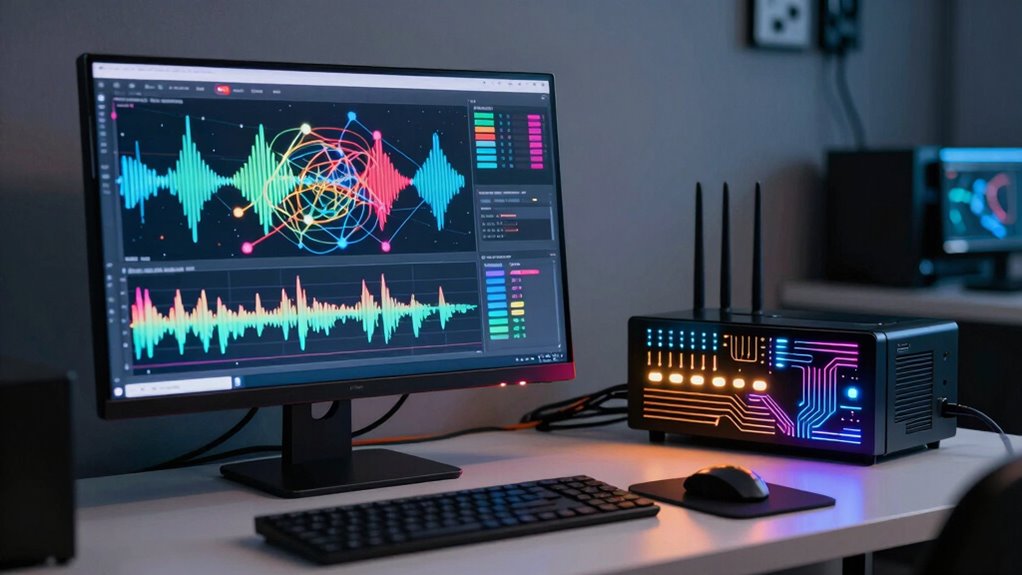

Network analyzer tools reveal vital details about your connection quality, including signal strength, interference levels, and external factors that can affect performance. They track metrics like latency, packet loss, and jitter to identify issues impacting browsing or streaming. You can also see what devices are connected, how much bandwidth they use, and spot rogue devices slowing down your network. By understanding these insights, you can optimize your setup and troubleshoot problems effectively—if you want to discover more, keep exploring.

Get privacy and security gear delivered free with Prime
- Fast, free delivery on millions of items
- Prime Video, Amazon Music and more included
- Member-only deals all year
Key Takeaways
- They provide real-time signal strength and interference data to assess connection stability.
- They monitor latency, packet loss, and jitter to identify network performance issues.
- They reveal details about connected devices and their bandwidth usage for optimized management.
- They analyze performance trends to detect patterns and prevent future connectivity problems.
- They consider environmental and external factors impacting signal quality and network reliability.
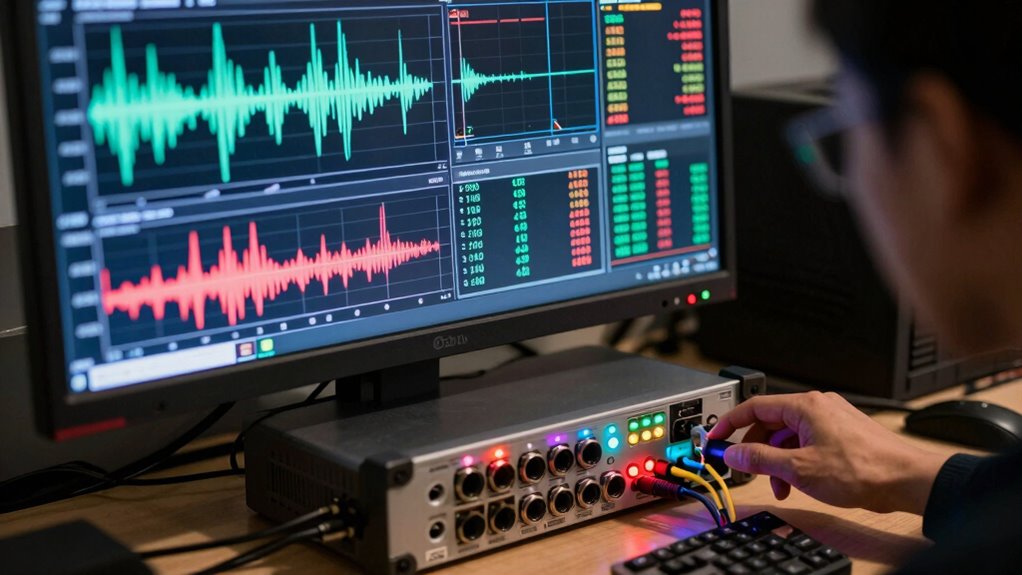
By analyzing signal strength data, you get a clearer picture of how well your network performs in real-time. You can see which channels are congested or crowded, which might cause slowdowns or dropped connections. This information helps you make smarter decisions, such as switching to a less congested channel or repositioning your router for better coverage. Many network analyzer tools also display signal-to-noise ratios, giving you additional insight into how much interference is affecting your connection. A higher ratio means a clearer, more reliable signal, while a lower ratio indicates potential problems that could be causing connection issues. Additionally, understanding interference sources helps you identify external factors that may be impacting your network quality, leading to more targeted solutions. Beyond just signal strength, these tools reveal other important metrics, such as latency, packet loss, and jitter. These factors are vital because they influence your browsing experience, streaming quality, and online gaming performance. When you monitor these metrics, you can detect underlying issues that might not be immediately obvious, such as network congestion or hardware limitations. For instance, if you notice high latency or packet loss during certain times of the day, you might need to upgrade your equipment or change your network usage habits to guarantee a smoother experience. Furthermore, network analyzer tools give you detailed information about your network’s devices and their connections. You can see which devices are connected, their signal strengths, and their data usage. This helps you identify unauthorized or rogue devices that could be slowing down your network. Additionally, you can evaluate the performance of your network over time, noticing patterns and trends that could indicate bigger issues or opportunities for optimization. Recognizing network performance trends can help prevent future connectivity problems before they impact your daily activities. Monitoring these metrics and patterns also enhances your topical authority by providing comprehensive insights into your network performance, empowering you to optimize effectively. Incorporating natural pools and other backyard features can also influence your overall network setup if you’re creating outdoor entertainment spaces, as they may require additional connectivity considerations. Understanding how environmental factors impact your signal can further improve your network’s reliability, especially in outdoor or challenging locations.
Products Worth Considering

LG UltraGear 34GX90SA-W 34-inch WQHD Curved OLED Gaming Monitor

LG UltraGear 32GS60QC-B 32-inch Curved QHD Gaming Monitor (180Hz, 1ms, 1000R, AMD FreeSync, HDR10)

Apple Watch SE 3 GPS Smartwatch, 40mm
As an affiliate, we earn on qualifying purchases.
Frequently Asked Questions
How Often Should I Run Network Analysis Tools?
You should run network analysis tools regularly, at least weekly, to guarantee ideal bandwidth and identify latency issues early. Frequent checks help you spot bottlenecks, troubleshoot latency problems, and optimize your network performance. If you’re experiencing slow connections or frequent disruptions, run analyses more often until the issues are resolved. Consistent monitoring keeps your network running smoothly, allowing you to maintain high-quality connections and prevent potential disruptions.
Can Network Analyzers Detect Security Vulnerabilities?
Yes, network analyzers can detect security vulnerabilities through vulnerability scanning, which identifies weak points in your system. They help you perform risk assessments by highlighting potential threats before attackers exploit them. By analyzing traffic patterns and device behaviors, these tools enable you to pinpoint vulnerabilities, assess their severity, and prioritize remediation efforts. Regular use guarantees your network remains secure and resilient against evolving cyber threats.
Are There Free Tools Available for Detailed Analysis?
Think of free network analyzer tools as your trusty magnifying glass, revealing hidden details. Yes, there are free options that offer detailed insights into your connection. Tools like Wireshark and NetSpot allow you to analyze traffic, troubleshoot issues, and optimize performance without spending a dime. These tools serve as your digital compass, guiding you through the complex landscape of network health, ensuring you get the clearest picture of your connection’s true strength.
How Do Network Analyzers Handle Encrypted Traffic?
Network analyzers handle encrypted traffic by performing encrypted traffic decryption, allowing you to analyze SSL/TLS protocols. They use techniques like SSL inspection or man-in-the-middle (MITM) methods to decrypt data, revealing details about the connection without compromising security. This process helps you understand how encrypted traffic impacts network performance and security, enabling you to troubleshoot issues effectively while maintaining data privacy during analysis.
What Hardware Requirements Are Necessary for Advanced Tools?
For advanced tools, you need robust hardware specifications like high-performance CPUs, ample RAM, and fast storage to handle large data loads efficiently. Guarantee system compatibility with your network environment, including support for multiple network interfaces and updated drivers. A dedicated network interface card (NIC) can improve data capture accuracy. Ultimately, investing in powerful hardware helps your network analyzer run smoothly, providing accurate insights into connection quality.
Conclusion
Think of network analyzer tools as your trusty lighthouse amid a stormy sea. They illuminate hidden treacheries like packet loss and latency, guiding you safely to smooth connections. With their beacon, you navigate the digital waves, avoiding unseen reefs that threaten your signal’s voyage. Ultimately, these tools aren’t just gauges; they’re your seasoned captains, steering your connection through the turbulent waters toward calm, reliable shores. Trust them to keep your digital journey steady and secure.