
A NAS system helps you back up essential files securely at home or in the office by acting as a centralized storage hub. It protects your data from hardware failures, theft, or accidental deletion through automatic remote backups and encryption. With easy access over your network, it also supports continuous synchronization and multiple device connectivity. By integrating cloud services and using RAID configurations, NAS guarantees your data stays safe and accessible even if something goes wrong. Keep exploring to discover more about how NAS can safeguard your data.
Key Takeaways
- Centralize storage for easy access and management across multiple devices at home or in the office.
- Automate backups to prevent data loss from hardware failure, theft, or accidental deletion.
- Integrate with cloud services for off-site backups and enhanced data security.
- Support data encryption and user authentication to protect sensitive information.
- Use RAID configurations for data redundancy, ensuring continued access despite disk failures.
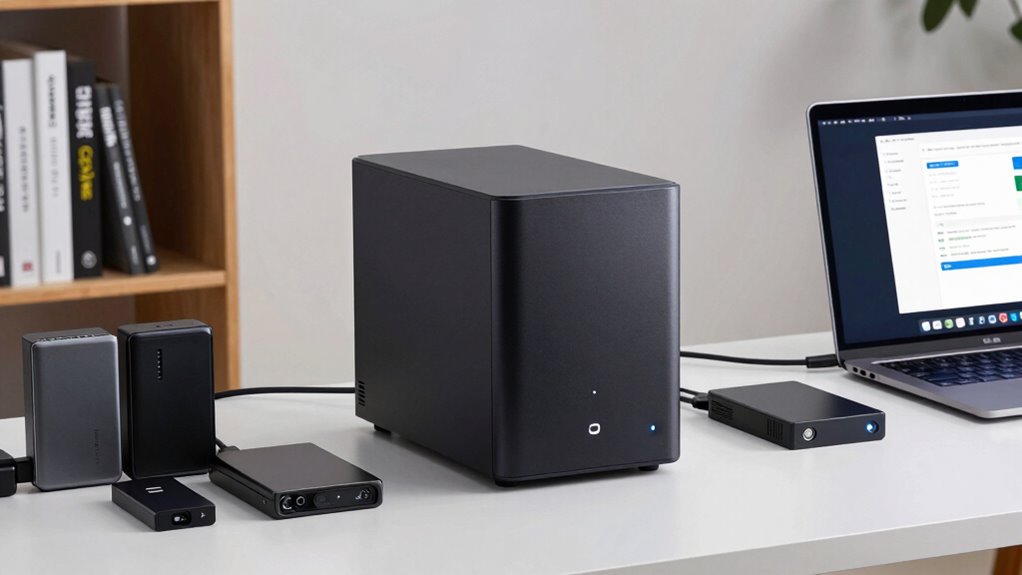
Have you ever considered how vulnerable your data is to hardware failures, theft, or accidental deletion? It’s a common concern, especially when you rely solely on external drives or local storage. That’s where NAS systems come into play, offering a smart, reliable solution for home and office backups. These network-attached storage devices serve as centralized hubs where you can store, manage, and access your files securely. One of their key strengths is their ability to integrate seamlessly with cloud services, providing an extra layer of security and convenience. With cloud integration, you can back up your data automatically to remote servers, guaranteeing that even if something happens to your local NAS, your files remain safe. You don’t need to worry about physical damage or theft because your data exists both locally and off-site. This setup simplifies data management and gives you peace of mind, knowing your information is protected across multiple platforms. Additionally, NAS systems often support data encryption, which helps safeguard your sensitive information from unauthorized access. Security is another major benefit that NAS systems provide. They often come equipped with robust data encryption features, which scramble your files so that unauthorized users can’t access sensitive information. Data encryption assures that even if someone gains physical access to your NAS or intercepts data during transfer, they won’t be able to read your files without the proper decryption keys. This is especially vital for business environments where client information, financial data, or proprietary content needs safeguarding. Furthermore, NAS devices typically support user authentication and permissions, allowing you to control who can view or modify certain files. This layered approach to security helps prevent accidental or malicious data breaches. Regular firmware updates and security protocols are also essential to maintain the integrity of your system against emerging threats. Implementing a hard drive configuration such as RAID can significantly improve data redundancy and resilience in case of disk failures. Using a NAS system also means you don’t have to rely on a single device or manual backups. Instead, it continuously synchronizes data across multiple drives, often configured in RAID (Redundant Array of Independent Disks) setups. This protects against disk failures by mirroring or spreading data across several drives, so your information remains accessible even if one drive crashes. Because NAS devices are connected to your local network, they offer quick access to your files from multiple devices, whether you’re at home or in the office. You can also schedule regular backups, making certain your data stays current without needing manual intervention. Incorporating backup strategies into your routine can further enhance your data protection efforts and ensure your information remains resilient against unforeseen issues.
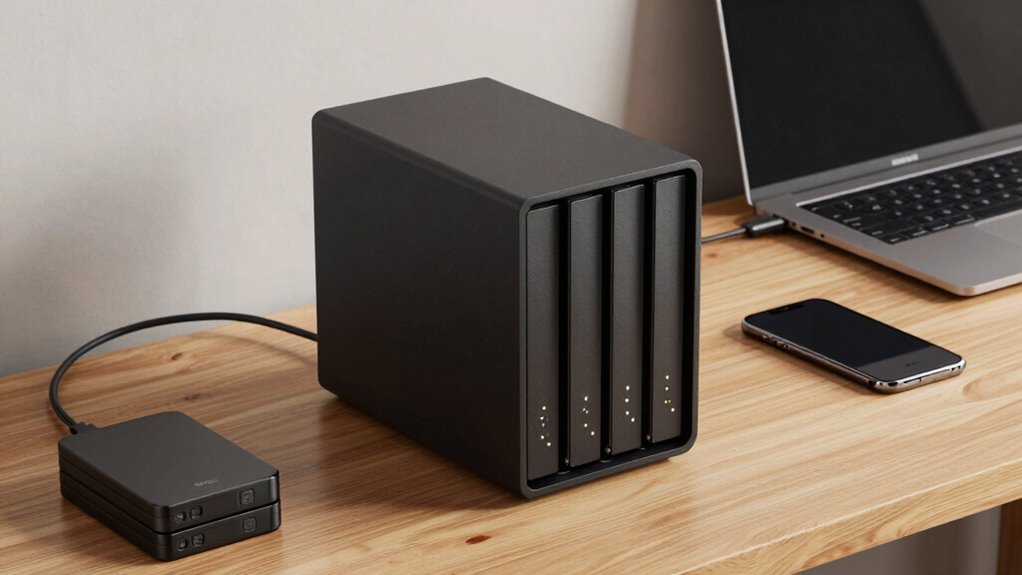
CENMATE Aluminum 4 Bay Hard Drive RAID Enclosure with Cooling Fan for 2.5/3.5" SATA HDD/SSD with USB A/C 3.0+eSATA Cable, 3.5 Hard Drive Reader Supports 80TB Capacity, 8 RAID Modes, DAS(NO NAS)

High-capacity 4-bay aluminum RAID enclosure supporting up to 80TB with multiple RAID modes and fast USB 3.0/eSATA connectivity.
As an affiliate, we earn on qualifying purchases.
As an affiliate, we earn on qualifying purchases.
Frequently Asked Questions
Can NAS Systems Be Used for Multimedia Streaming?
Yes, NAS systems can be used for multimedia streaming. They offer excellent media compatibility, allowing you to store and access various formats like videos, music, and photos easily. Plus, they provide reliable streaming performance, ensuring smooth playback even with multiple devices. With a NAS, you can create a centralized media library that’s accessible throughout your home or office, making entertainment and media sharing simple and efficient.
How Secure Are NAS Backups From Cyber Threats?
A stitch in time saves nine, and that’s true for NAS security too. Your backups are fairly secure from cyber threats if you use robust encryption protocols and maintain backup redundancy. Regularly updating firmware and security settings adds layers of protection. While no system is foolproof, these practices substantially reduce risks, keeping your data safe from hackers and malware. Stay vigilant and proactive to ensure your NAS remains a reliable shield.
Do NAS Devices Require Technical Expertise to Set Up?
No, NAS devices don’t require deep technical expertise to set up. Most come with user-friendly interfaces that guide you through network configuration, making the process straightforward. You’ll also want to enable data encryption options to keep your backups secure. While initial setup might seem intimidating, manufacturer instructions and online tutorials simplify the process, ensuring you can get your NAS running efficiently without advanced technical skills.
Can NAS Systems Integrate With Cloud Storage Services?
Surprisingly, your NAS system can seamlessly integrate with cloud storage services, making you wonder why you’d ever need separate backup solutions. With cloud integration, you get the flexibility of storage scalability without sacrificing local control. You can automate backups to the cloud, access files remotely, and expand your storage effortlessly. So, yes, your NAS doesn’t just store data; it connects you to the cloud universe, making backups smarter and more scalable.
What Is the Average Lifespan of a NAS Device?
The average lifespan of a NAS device is around 3 to 5 years, but it depends on factors like hardware durability and how well you maintain it. Regular firmware updates help improve performance and security, extending its life. Proper cooling and avoiding power surges also protect the hardware. If you care for it, your NAS can serve you reliably for several years, making it a worthwhile investment.
Conclusion
So, next time your computer throws a tantrum or that pesky ransomware strikes, remember your trusty NAS. It’s like having a digital bodyguard, tirelessly backing up your files while you binge-watch cat videos. Who needs a superhero when you’ve got a Network Attached Storage system? Stay safe, stay backed up, and let your NAS do the heavy lifting—because in the digital age, peace of mind is just a click away!