
TL;DR

Get privacy and security gear delivered free — and shop member deals
- Fast, free delivery on millions of items
- Access to Prime Big Deal Days deals on October 6–7
- Prime Video, Amazon Music and more included
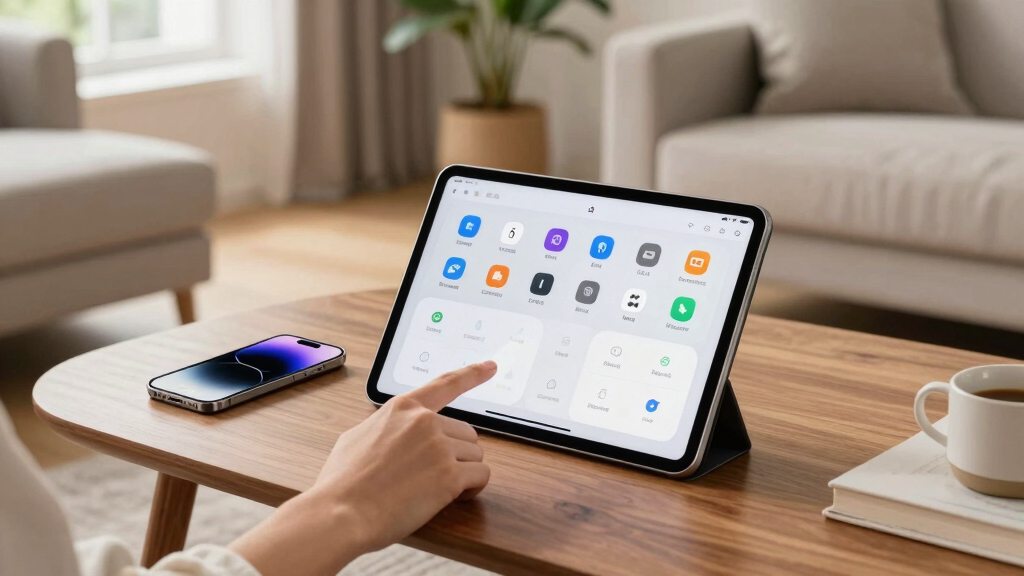
Apple announced that iOS 27 will feature AI-powered shortcuts, allowing users to create automation routines through simple text prompts. This new feature aims to make automation more accessible, especially for non-technical users. The update is scheduled for release this Fall and will be available on iPhone 15 Pro and newer devices.
Apple has announced that its upcoming iOS 27 update will include a new feature enabling users to create automation routines using artificial intelligence, specifically through simple text prompts. This development aims to make automation more accessible and user-friendly, especially for those who find traditional shortcut creation complex.
The new feature, called Apple Intelligence, will allow users to generate shortcuts by describing what they want in plain language, such as ‘Message my ETA to my partner when I leave work.’ The system will interpret the prompt and create a corresponding automation. While users will still need to verify and fine-tune these shortcuts, the process will be significantly easier than manually building them from scratch.
This feature is set to launch with iOS 27, scheduled for release this Fall, and will be exclusive to devices supporting Apple Intelligence, namely iPhone 15 Pro and newer models. Older devices will not support this AI-powered shortcut creation.
Enhanced Accessibility for Automation Creation
This development could dramatically lower the barrier to creating automation routines on iPhones, broadening the user base beyond tech-savvy individuals. It reflects Apple’s focus on integrating AI to improve user experience and could influence how users interact with their devices, making automation a more integral part of daily life. For casual users, this means easier customization without technical knowledge, potentially increasing engagement with the Shortcuts app and automation workflows.
iPhone 15 Pro accessories
As an affiliate, we earn on qualifying purchases.
As an affiliate, we earn on qualifying purchases.
Apple’s Push Toward AI-Enhanced User Features
Apple has been gradually integrating artificial intelligence into its ecosystem, with features like Siri improvements and smarter device suggestions. The introduction of AI-generated shortcuts builds on this trend, aiming to simplify complex tasks. The Shortcuts app has long been a powerful but often intimidating tool for creating automation, especially for non-technical users. This upcoming update signals Apple’s intent to democratize automation, aligning with broader industry moves toward AI-assisted customization.
“This feature could make automation accessible to a much wider audience, reducing the learning curve significantly.”
— an anonymous researcher
Details on Implementation and Limitations
It is not yet clear how accurately the AI will interpret user prompts or how much manual adjustment will be required. It remains uncertain whether the feature will support complex workflows or only simple routines initially. Additionally, the extent of device support and whether future updates will expand compatibility to older models are still unconfirmed.
Expected Timeline and User Access
Apple is expected to release iOS 27 this Fall, with the AI shortcut feature included. Users with iPhone 15 Pro and newer devices will be able to test and use the new capabilities immediately upon update. Apple may also release developer previews or beta versions earlier in the season for testing and feedback, but the official rollout will be aligned with the iOS 27 launch.
Key Questions
Will all iPhone models support the AI shortcut feature?
No, the feature will be limited to iPhone 15 Pro and newer models that support Apple Intelligence.
How accurate will the AI-generated shortcuts be?
It is still uncertain, but Apple aims for the AI to interpret prompts effectively, with users able to make adjustments as needed.
Can I still create shortcuts manually if I prefer?
Yes, users will still have the option to create and customize shortcuts manually alongside the AI-assisted process.
Will this feature be available in languages other than English?
Details on language support have not been confirmed, but Apple typically expands language options over time.
When will the feature be available to the public?
It is expected to be part of the iOS 27 update, scheduled for release this Fall 2026.
Source: Lifehacker
Fall Picks
fall essentials
As an affiliate, we earn on qualifying purchases.