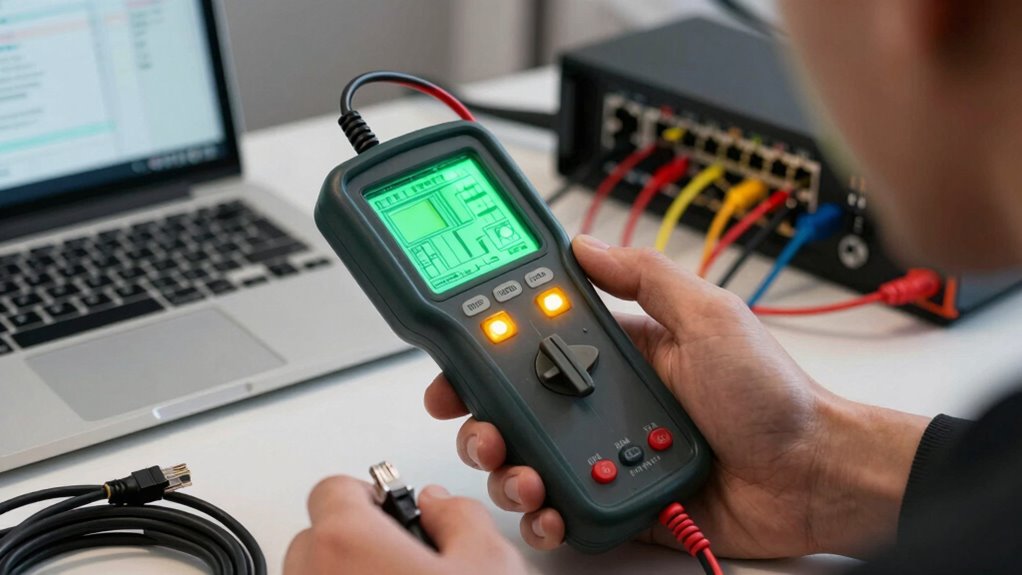
Cable testers reveal a lot about your network issues by identifying wiring faults, broken or improperly connected cables, and testing the continuity and integrity of your cables. They measure signal quality, helping you spot degradation, interference, or attenuation that could slow your network. Sometimes, faulty cables can even cause wireless interference or increased latency. If you want to uncover more hidden problems and improve your network performance, keep exploring how cable testers can help you diagnose effectively.
Key Takeaways
- Detect broken or damaged wires preventing proper data transmission.
- Verify continuity and proper wiring connections in network cables.
- Measure signal quality to identify attenuation or interference issues.
- Identify environmental or installation factors affecting cable performance.
- Isolate physical cable faults contributing to network slowdowns or disruptions.
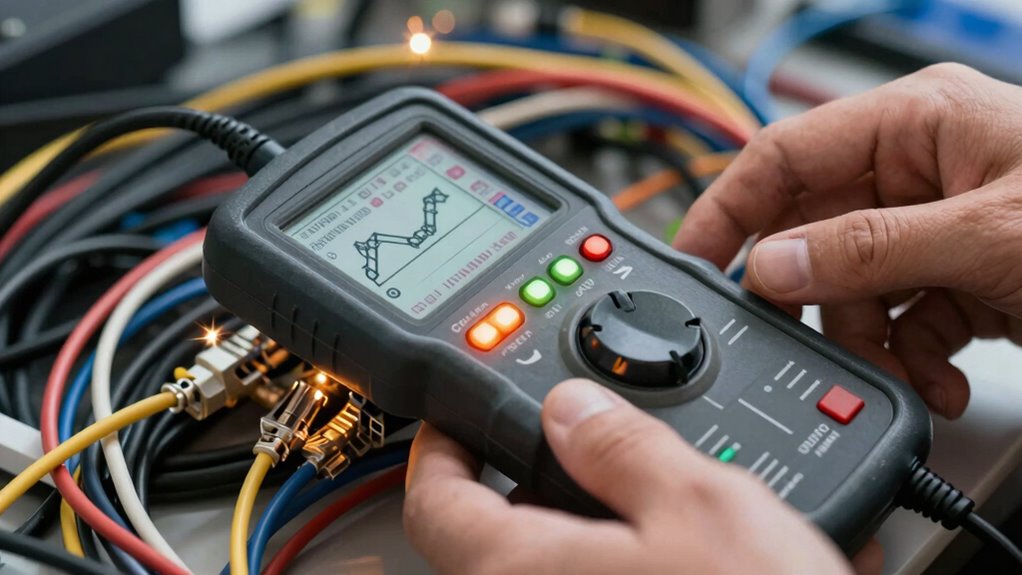
When your network experiences issues, pinpointing the problem quickly can save you time and frustration. That’s where cable testers come into play. These tools are essential for diagnosing problems in your network’s physical wiring, revealing issues that might not be immediately obvious. A cable tester can identify faults such as broken wires, incorrect wiring, or poor connections, helping you determine whether the problem lies with your cables or elsewhere in your network. By testing the continuity and integrity of your cables, you can prevent unnecessary replacements and focus your efforts where they’re needed most.
Cable testers also offer insight into signal quality. When your network slows down or frequently disconnects, it’s often due to signal degradation. Over time, cables can weaken or develop faults that impair the transmission of data. A tester can measure the cable’s ability to transmit signals effectively, highlighting issues like attenuation or interference that might be causing your network problems. This is particularly helpful if you’re troubleshooting a wired connection that’s underperforming, as it helps you verify whether the cable itself is the culprit or if other factors are at play.
Wireless interference is another common challenge that cable testers can indirectly reveal. While they don’t test wireless signals directly, faulty or poorly shielded cables can contribute to wireless network problems. For example, if your Ethernet cables are causing electromagnetic interference (EMI), it can affect your wireless signals, leading to increased latency or dropped connections. By testing and ensuring your wired infrastructure is solid, you can rule out cable-related interference as a source of wireless issues. This helps you focus on other potential causes, such as router placement or competing wireless signals, knowing that your physical cabling isn’t contributing to the problem.
In essence, cable testers serve as a crucial diagnostic step in maintaining a healthy network. They don’t just identify physical faults; they help you understand the quality of your connections, which directly impacts overall network performance. When you use a cable tester, you gain a clearer picture of whether your issues stem from damaged cables, poor wiring, or external interference. This knowledge enables you to take targeted action—whether replacing faulty cables, improving shielding, or adjusting your network setup—saving you time and reducing the guesswork involved in troubleshooting. Understanding regional flavors and their influence on cable quality can further enhance your troubleshooting process. For example, climate conditions can affect cable durability and performance over time. Additionally, environmental factors such as humidity or temperature fluctuations can accelerate cable degradation, emphasizing the importance of considering local conditions when evaluating your network infrastructure. Recognizing the importance of proper installation techniques can also make a significant difference in maintaining cable integrity. Ultimately, a reliable cable tester empowers you to keep your network running smoothly, with fewer surprises and less downtime.

Klein Tools VDV526-200 Cable Tester, LAN Scout Jr. 2 Ethernet Tester for CAT 5e, CAT 6/6A Cables with RJ45 Connections
- Versatile Cable Testing: Tests data and patch cords
- Large Backlit LCD: Easy reading in low light
- Comprehensive Fault Detection: Detects open, short, miswire, and more
As an affiliate, we earn on qualifying purchases.
As an affiliate, we earn on qualifying purchases.
Frequently Asked Questions
How Often Should Cable Testers Be Calibrated for Accurate Results?
You should calibrate your cable testers at least once a year to guarantee peak testing accuracy. Regular calibration helps maintain calibration frequency standards, preventing measurement drift over time. If you use the tester heavily or in harsh environments, consider calibrating more often, such as every six months. Consistent calibration ensures your results remain reliable, reduces false positives or negatives, and keeps your network troubleshooting precise and efficient.
Can Cable Testers Detect All Types of Network Faults?
You might think cable testers catch every network fault, but they have testing limitations. While they excel at fault detection for issues like open or short circuits, they can’t identify every problem, especially complex or intermittent faults. These tools are valuable but not foolproof. So, don’t rely solely on them; combine testing with other diagnostics to guarantee your network’s health and performance.
Are There Specific Testers for Different Cable Types?
Yes, there are specific testers for different cable types, ensuring compatibility and accurate results. When selecting a tester, you want one that matches your cable type, like Ethernet, coaxial, or fiber optic. Also, consider tester durability, especially if you work in tough environments. Using the right cable tester guarantees reliable testing, reduces errors, and helps you quickly identify issues, making your troubleshooting process more efficient and effective.
What Is the Cost Range for Professional Cable Testing Equipment?
Ever wonder what your network’s true strength costs? Professional cable testing equipment ranges from $300 to over $3,000, depending on features. You need tools that meet testing standards to guarantee cable quality and reliable connections. Higher-end testers offer thorough diagnostics, while basic models cover essential checks. Investing in the right tester ensures your network’s backbone stays solid, preventing future issues and saving money long-term.
How Long Does a Typical Cable Test Take?
A typical cable test takes about 5 to 15 minutes, depending on the cable’s length and complexity. During this process, you check the cable’s durability and guarantee testing accuracy by verifying continuity, signal strength, and identifying faults. Faster tests are usually less thorough, but extensive testing ensures the cable’s reliability and performance. Investing time in proper testing helps prevent future network issues caused by faulty or degraded cables.

Network Ethernet Cable Tester for LAN RJ45 RJ11 CAT5 CAT5E CAT6 CAT6A CAT7, Ethernet Wire Tester Tool UTP/STP Continuity Test for Telephone Line Finder Home Repair (HT812A)
- Supports Multiple Cable Types: RJ45 and RJ11 testing for various cables
- Detects Wiring Issues Quickly: Continuity, shorts, open wires, miswiring
- LED Indicators for Easy Troubleshooting: Visual wire order and error detection
As an affiliate, we earn on qualifying purchases.
As an affiliate, we earn on qualifying purchases.
Conclusion
In the end, cable testers are your best friends when troubleshooting network issues. They quickly reveal hidden faults and save you time, money, and frustration. Don’t let small problems snowball into big headaches—address them early with the right tools. Remember, a stitch in time saves nine. Using cable testers effectively means you’re always a step ahead, ensuring your network runs smoothly without unexpected surprises. Stay proactive, and your connection will thank you.

TEMPO Communications PE2003-G Pulser Ground Fault Locator, Underground Wire Break Locator, High-Voltage Signal, A-Frame Receiver, Underground Wire Locator
- Precise Fault Detection: Identifies small wire and cable breaks
- Cost and Time Efficient: Detects multiple faults for replacement
- Versatile Test Leads: Includes long leads with alligator clips
As an affiliate, we earn on qualifying purchases.
As an affiliate, we earn on qualifying purchases.

Mastfuyi Network Cable Tester, Digital Signal Line Finder with Probe Tone, Tester with PoE,Ethernet LAN Network Cat5 Cat6 Cable Maintenance Collation, RJ11 RJ45 Cable Tracer, Telephone Line Test
- Cable Tracing: Quickly identify and trace cables without damage
- Alligator Clip Adapter: Trace power lines and speaker wires
- PoE Support: Supports live cable tracing up to 60V
As an affiliate, we earn on qualifying purchases.
As an affiliate, we earn on qualifying purchases.