
TL;DR
Building your own AI workstation no longer guarantees cheaper costs—prebuilts often match or beat DIY prices due to component shortages. The real tradeoff now is control versus speed, support, and reliability. Decide based on your needs and resources.
Imagine this: you’re ready to dive into AI training or inference, but the cost of building your own machine skyrockets. Or maybe a prebuilt arrives on your desk, ready to go, with all the thermal tuning and testing done for you. The days when building was automatically cheaper are fading fast.
In 2026, the decision to build or buy isn’t just about saving money or time — it’s about control, customization, support, and long-term costs. This guide will walk you through the real tradeoffs, real numbers, and what makes sense for your project now. For more insights, visit Deep Intellica.
Build vs buy
an AI workstation.
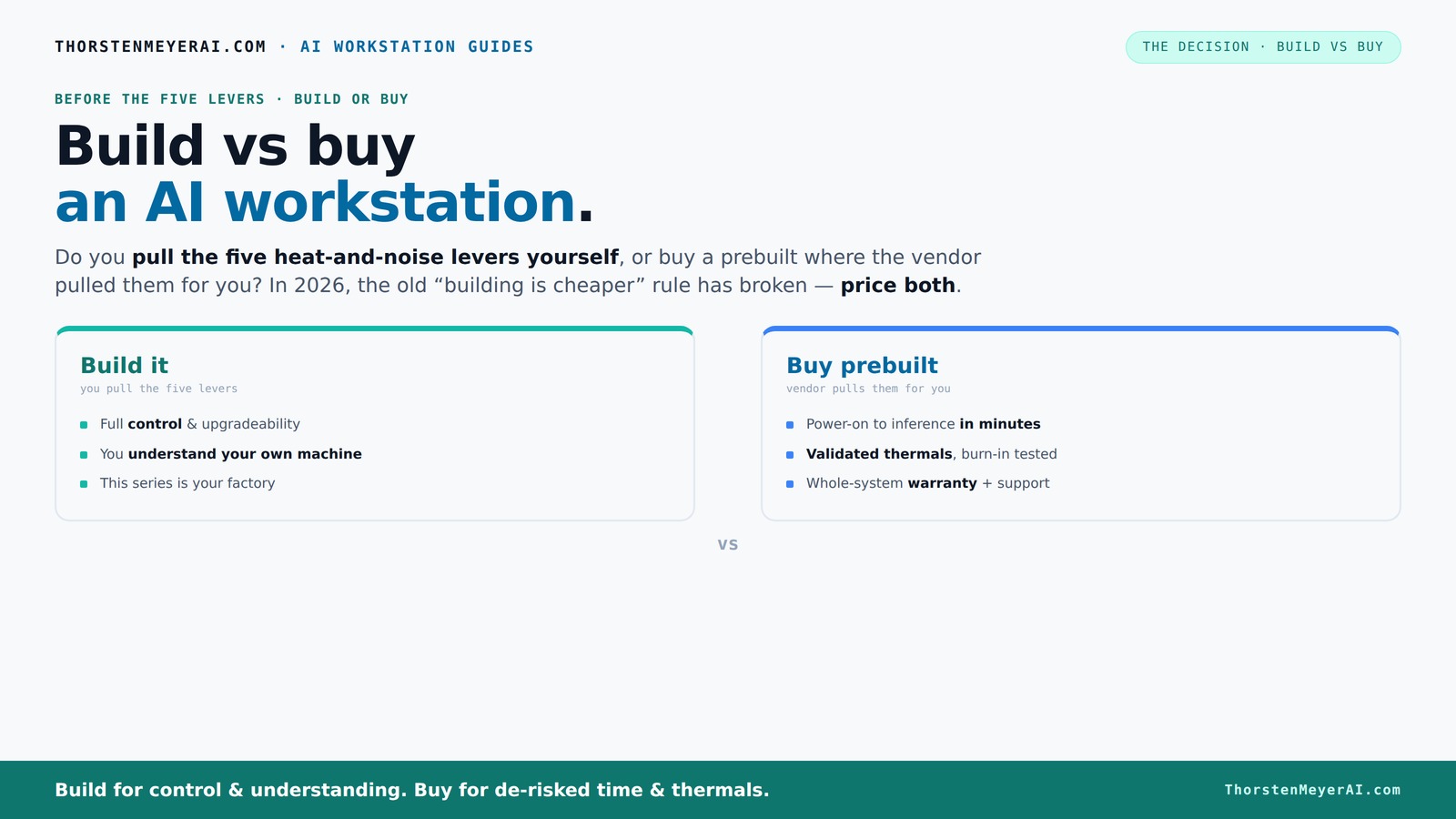
The real question behind this whole series: do you pull the five heat-and-noise levers yourself, or buy a prebuilt where the vendor pulled them for you? And in 2026, the old “building is cheaper” rule has broken. Match your situation in Part 3.
Key Takeaways
- Component shortages in 2026 make building a potentially more expensive option than buying, especially for high-end AI rigs.
- Prebuilts often come with validated thermals, water cooling, and warranties, saving time and reducing risk.
- Building offers maximum control over noise, heat, and upgrades, but requires expertise and ongoing maintenance.
- A hybrid approach—buy the system and customize—is increasingly popular for balancing speed and control.
- Always price both options for your exact needs before deciding. Don’t assume DIY is cheaper anymore.
WIWB Gaming PC Desktop Core I9-14900HX, RTX 5060 Ti 8G, 1TB NVME SSD

High-performance gaming and workstation PC with Intel Core i9, RTX 5060 Ti, 16GB DDR5, and 1TB SSD for seamless multitasking and stunning visuals.
As an affiliate, we earn on qualifying purchases.
As an affiliate, we earn on qualifying purchases.
Why the old 'build is cheaper' myth no longer holds in 2026
Component shortages and bulk buying have flipped the script. To understand how to prepare, check out Build vs Buy a Prebuilt AI Workstation. What used to cost $1,000 to build now easily hits $1,250 or more. Large vendors snapped up parts early, locking in lower prices for systems that often match or beat your DIY costs today.
For example, a high-end GPU like the NVIDIA RTX 4090, once a luxury, now costs around $1,600 — nearly double the pre-pandemic price. Building a system with two of these, plus high-speed RAM and SSDs, quickly surpasses DIY budgets.
So, if you’re thinking of building, don’t assume it’s cheaper. Price both options for your exact config before deciding.
Understanding this shift is crucial because it impacts your decision-making: if building costs are rising, the traditional advantage of DIY—cost savings—is diminishing. This forces you to weigh the benefits of control and customization against the actual expenses involved today.
The heat-and-noise mastery: who pulls the levers?
Building your own means you control the heat and noise levers: undervolting GPUs, choosing cooling solutions, fine-tuning airflow, and setting fan curves. Learn more about system optimization at Deep Intellica. This level of control allows you to optimize your system’s performance and acoustics, which can be critical in high-density or noise-sensitive environments. It also means you can extend hardware lifespan by managing thermal stress proactively.
Buy a prebuilt? The vendor handles this. Companies like Lambda and Puget test every system for hours, tune fans, and often install water cooling for near-silent operation. They guarantee it won’t throttle during intense AI workloads. This approach minimizes the risk of thermal throttling, which can severely impact performance and training times if not properly managed.
It’s a trade — control versus convenience. Do you want to fine-tune every detail, or prefer a system that’s ready to run out of the box? Your choice affects not just noise levels but also the long-term reliability of your hardware, as thermal stress is a leading factor in component failure.
Compare the options: build your own vs buy a prebuilt AI workstation
| Feature | Build Your Own | Buy Prebuilt |
|---|---|---|
| Cost | Variable; often higher due to shortages, with potential for hidden expenses if troubleshooting or upgrades are needed later | Often comparable or lower due to bulk buying, with predictable pricing and included support |
| Time to ready | Weeks to months, depending on parts sourcing and assembly, which can delay project timelines | Weeks, ready to deploy immediately or within a short lead time, enabling faster project start |
| Customization | Complete control over parts, tuning, and future upgrades, allowing tailored performance but requiring expertise | Limited to vendor options and configurations, but pre-validated for stability and performance |
| Support & warranty | Self-managed; support depends on your expertise and network of vendors, which can lead to longer downtimes if issues arise | Vendor-backed, with support, warranties, and service plans that reduce downtime and troubleshooting effort |
| Thermal tuning | You do it; offers maximum flexibility but requires knowledge and effort to optimize cooling and noise levels | Done at the factory, with systems tested for thermal performance, reducing setup time but limiting post-sale adjustments |
| Upgradeability | High; you can select and replace parts as needed, extending system lifespan and adapting to new tech | Varies by vendor; often limited by proprietary designs or integrated components, potentially requiring full replacement for major upgrades |
Choosing between these options involves understanding the tradeoffs: DIY offers maximum control and future flexibility but demands time, expertise, and ongoing effort. For additional guidance, see Avaoroi. Prebuilts provide convenience, reliability, and support, which might be more valuable in fast-paced or resource-constrained environments.
Frequently Asked Questions
Is a prebuilt AI workstation cheaper than building one myself?
Not always, but in 2026, prebuilt systems often match or beat DIY costs due to component shortages and bulk purchasing. Always compare prices for your exact configuration before deciding.How much faster can I get started with a prebuilt system?
Prebuilts are typically ready to deploy within a few weeks, with OS and software preinstalled. Building from scratch can take months, especially if sourcing parts is slow.Long-term costs include maintenance, troubleshooting, upgrades, and your time. Vendor-backed systems often reduce these overheads and provide support, saving you money over time.
When does building my own system make more sense than buying?
If you need complete control, want a tailored setup, or are working in a highly regulated environment, building can offer advantages. Otherwise, buying is often more practical and reliable.Can I start with a prebuilt and upgrade later?
Yes, many vendors support upgrades, but the extent varies. Buying a modular, easily upgradeable system allows you to adapt as your needs grow without starting from scratch again.Conclusion
In 2026, your choice between build and buy hinges on your priorities — control versus speed, cost versus support. For more resources, visit AIsmasher. The old rule that DIY is cheaper no longer holds water in a market driven by shortages and bulk buying.
Think about what matters most: do you want to tinker and learn, or deploy fast and focus on your AI work? The right answer depends on your project, skills, and timeline. Whatever you choose, remember: it’s not just about the machine — it’s about your workflow, your control, and how you get to the results.